A traveler using her phone beside the sea

  1. 01

    Pick the destination

  2. 02

    Top up and pay from your balance

  3. Connected
    03

    Install and connect

iPhone

Settings, General, About, look for EID near the bottom.

Android

Settings, then About phone or Connections, look for EID or SIM manager.

A phone that came with an operator contract may still be locked to it, and the operator confirms that.
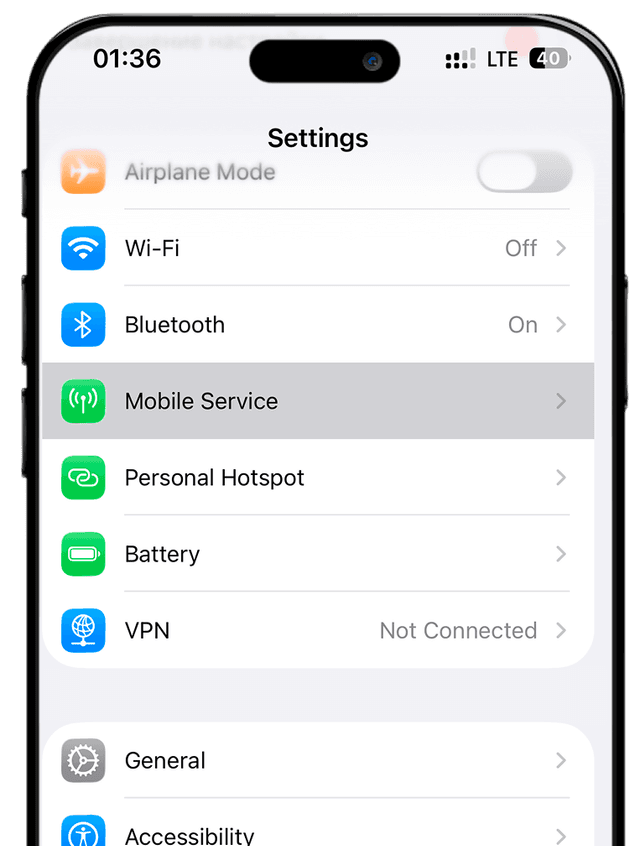
  1. 01Settings, Cellular, Add eSIM, Use QR Code.
  2. 02Scan the code from My eSIMs.
  3. 03Finish the steps on screen.
  4. 04Switch Data Roaming on for the new profile.
iPhone cellular settings screen for adding an eSIM

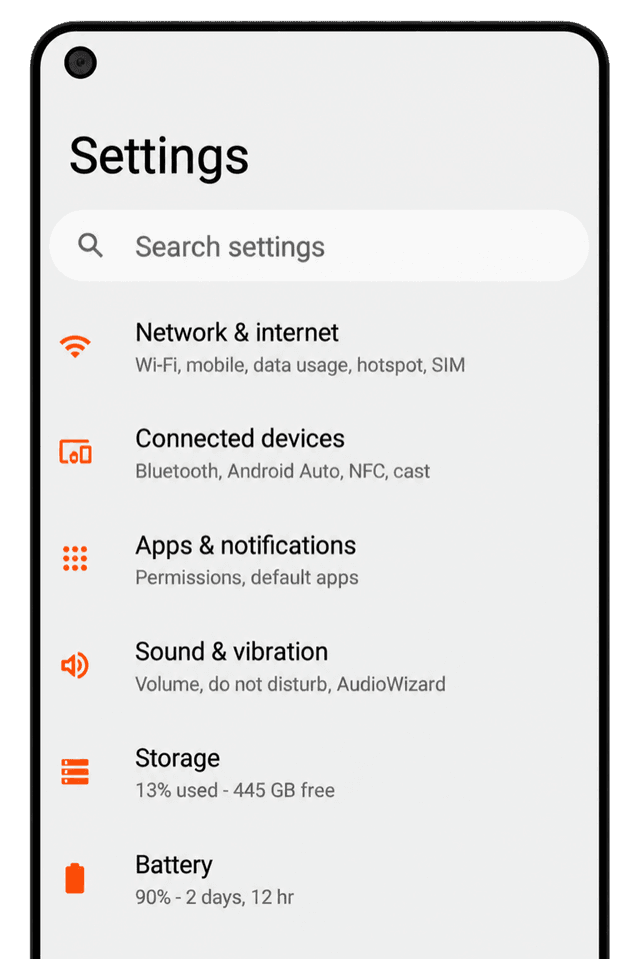
  1. 01Settings, Connections, SIM manager, Add eSIM.
  2. 02Scan the code from My eSIMs.
  3. 03Confirm.
  4. 04Switch Data Roaming on for the new profile.
Android connections settings screen with SIM manager

If the camera does not read the code, choose manual entry and copy the server address and activation code from My eSIMs.

SM-DP+ address
[SMDP_ADDRESS]
Activation code
[ACTIVATION_CODE]

  • No internet while installing.
  • The profile went onto a device already.
  • Data roaming left off.
  • Operator lock still in place.
112

Emergency calls

Data only on this profile. Emergency numbers, such as 112 or 911, need an operator profile with voice active.

Traveler checking her phone in a mountain landscape

Open Coverage

Set up your account

Your eSIMs, your balance and your invoices live in one account.

Have an account?

The session ended

We closed the session after a long break. Log in to pick up where you were.